LED Display for Weighing Scale Products: Format, Sign and Stability Cues

This guide covers how to specify an LED display for weighing scale products, which parameters actually change the decision, and what to check before the sample is approved.
Quick Answer: What the Application Actually Demands
A scale display has to show a value, its sign, its decimal place and its state of stability at the same time, and each of those is a separate specification. Products that specify only the digit count tend to discover the missing fields at the sample stage, when the enclosure is already drawn.
The reading also has to stay legible in the conditions the instrument works in: a bright packing bench, a dim warehouse aisle, a wash-down area, or a counter viewed from above. Those conditions decide brightness, contrast filter and viewing angle far more than they decide the module itself.
Where the instrument is used in a regulated weighing application, the display requirements usually come from the metrology approval rather than from the product team, including the minimum digit height for the approved accuracy class and the way the decimal marker must be presented. Those requirements should be collected before the format is chosen, because they constrain it directly.
Display Format: Digits, Sign and Decimal Position
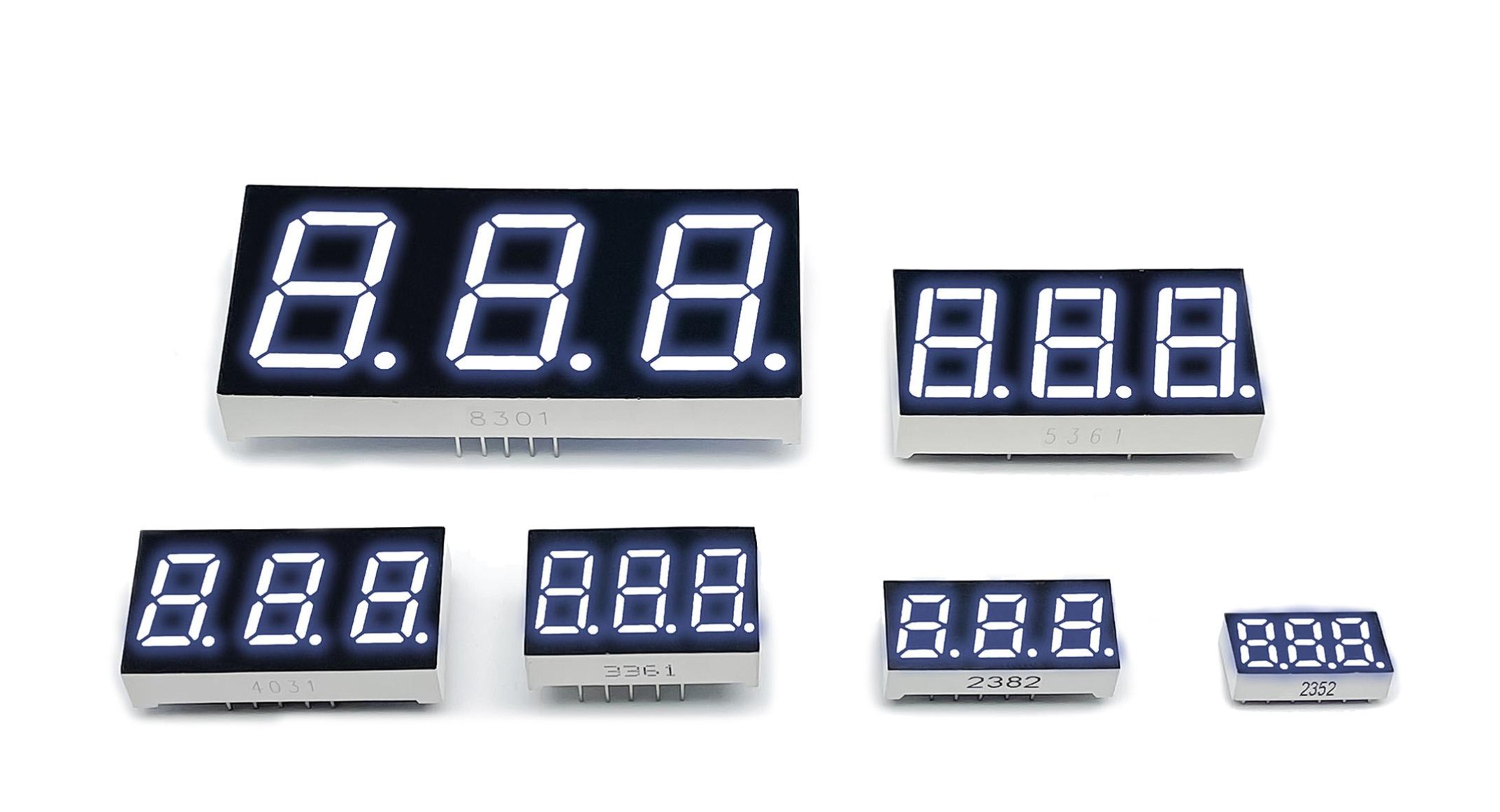
Work backwards from the maximum reading and the negative range. A scale that reads to a certain maximum with a given resolution needs enough digits for the largest value, plus one for the sign if negative readings are possible, plus the decimal point position if fractions are shown.
The sign is the field most often forgotten. Tare and zero operations produce negative values routinely, and a display that can only show magnitude will either blank the reading or show it unsigned, which is worse. If the instrument supports net and gross modes, the display also needs a way to distinguish them, usually through an annunciator rather than through an extra digit.
| Format decision | What drives it | What goes wrong if it is skipped |
|---|---|---|
| Digit count | Maximum reading plus sign plus decimal position | Over-range readings blank or overflow at the top of the range |
| Digit height | Reading distance and the approved accuracy class | Legible on the bench, unreadable from the operator position |
| Decimal point | Resolution and unit switching | Resolution changes between units become ambiguous |
| Minus sign | Tare, zero and bidirectional load cells | Negative readings displayed unsigned or suppressed |
| Stability annunciator | When the operator is allowed to record the value | The operator reads an unstable value and records it |
| Unit labels | Single unit or switchable units | Unit shown on a fixed label while the reading changes unit |
Format also decides the driver architecture. A static drive with one driver per digit is simple and produces no scan artefacts, while a multiplexed module reduces the pin count and introduces a refresh requirement that has to be met at the lowest ambient temperature. For a readout that must never appear to waver, the static option is often worth the extra pins, and the trade-off is the same one described in the guide to selecting a numeric LED display for an OEM product.
Electrical and Optical Constraints
Brightness should be specified against the ambient condition, not as an absolute preference. A display that is comfortable in a dim room is unreadable next to a window, and one that is bright enough for daylight can be fatiguing at night unless the drive current is reduced. If the product runs both conditions, the driver needs a dimming range rather than a single setpoint.
The relevant brightness figure is the one measured through the final window and filter, not the bare module value. A contrast filter and an aperture reduce the delivered luminance, and the reduction is the number the operator actually sees. How the module figure relates to the installed result is covered in LED display brightness explained in mcd.
Digit height follows reading distance and the accuracy class. The relationship is not linear, and a display that satisfies a close reading position can fail at two metres even with the same digit count. The sizing considerations are set out in the LED display size and digit height guide.
Current consumption then follows from brightness, digit count and drive method. On a battery-backed indicator the budget is usually the binding constraint, and the choice between static and multiplexed drive, and between red and other colours, is decided by the current budget rather than by appearance. Colour also affects contrast against the filter, which is why red on a dark filter remains common on weighing equipment.
Read together, these constraints turn an application description into a specification, and the work is shared between OEM LED display selection and industrial LED display design: the first decides the format and the second decides how it is driven and mounted. Both belong in the Application & Form Factor Selection section of the sample request, because a supplier needs the format and the drive method in the same document.
Integration Risks in the Front Panel
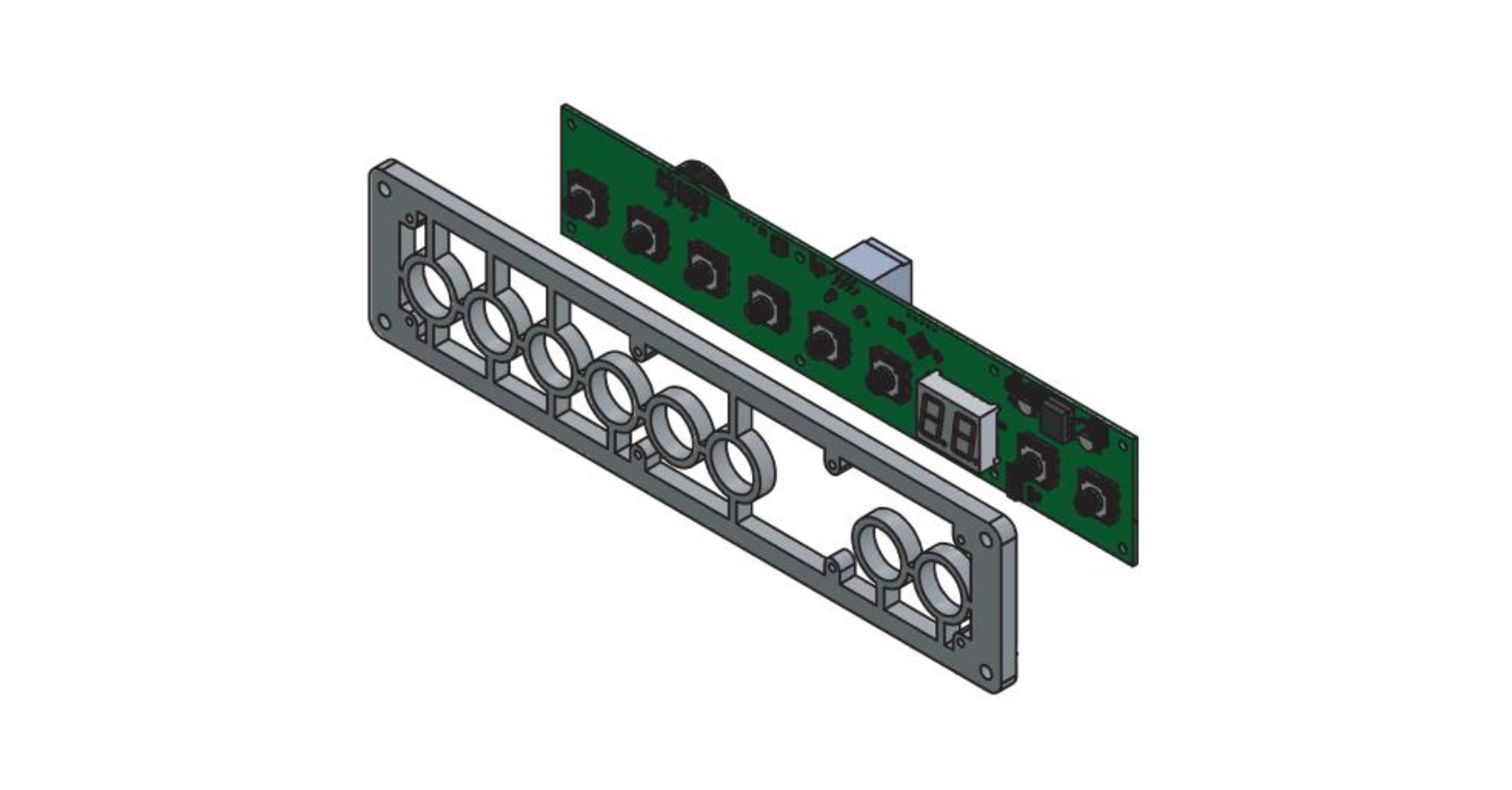
The aperture, the filter and the depth behind the window form a stack, and the stack decides contrast as much as the module does. An aperture that is too generous lets ambient light reach the display face and washes out the segments; one that is too tight clips the outer digits when the module sits slightly off centre.
Depth matters because a display viewed through a deep window is viewed at an angle from the edge of the panel, which reduces the effective brightness at the extremes of the reading. The viewing angle specified for the module applies at the module, and the installed geometry can narrow it.
Sealing is the second integration risk. Wash-down and food contact areas require a front panel that survives cleaning, and the seal usually sits between the filter and the housing rather than between the module and the filter. If the display is expected to survive moisture, that requirement belongs in the drawing rather than in a general note.
Electrical integration brings its own issues. Load cell signals are small, and a multiplexed display driver switching next to the analogue front end can couple into the measurement. Routing the display current return away from the cell wiring and keeping the driver's switching node short are usually enough, and the point is worth raising before the board is laid out rather than after.
All of this converges on one controlled document. The aperture, the digit positions, the pinout and the optical requirements should be fixed on a drawing that both sides sign, which is what the custom LED display drawing approval process is for. Where the design uses extra decimal points, colons or annunciators on the same module, the wiring plan in 7 segment decimal point and colon wiring prevents a late change to the pinout.
Supplier Input Checklist and Sample Approval
A supplier can quote accurately once the package contains the format, the electrical constraints and the mechanical interface. Sending a photograph of an existing product is not a specification, and it usually produces a quotation that has to be revised twice.
- Maximum reading, resolution and whether negative values are displayed
- Digit count, digit height and decimal point position
- Annunciators required, and whether they are fixed or driven
- Drive method and the interface the product can support
- Brightness target at the installed condition, and the dimming range if any
- Aperture drawing, filter type, panel thickness and sealing requirement
- Operating temperature range and the cleaning agents the panel will see
Sample approval should then test the reading rather than the module. Set a known load, check that the sign appears for a negative value, confirm the decimal position at both ends of the resolution, and view the panel from the actual operator position in the actual lighting. A sample that passes on a bench at close range and fails on the line has not been approved, it has been inspected.
Frequently Asked Questions
How to specify LED display for weighing scale for an OEM application?
Start from the maximum reading, the resolution and the negative range, then fix digit count, digit height, decimal position and the annunciators the instrument needs. Add the installed brightness target, the aperture drawing and the sealing requirement before asking for a quotation.
Which parameters matter most for LED display for weighing scale?
Digit height against the real reading distance, brightness through the installed filter, and the presence of a sign and a stability annunciator matter most. Drive method matters next because it sets both current consumption and the risk of scan artefacts.
How to validate LED display for weighing scale in the final product?
Validate with a known load at the extremes of the range, including a negative reading, and view the panel from the operator position under the lighting the product will actually see. Confirm the decimal position at both ends of the resolution and that the annunciators match the instrument state.
What should engineers send a supplier for LED display for weighing scale?
Send the format specification, the aperture and panel drawing, the interface the product can support, and the brightness and temperature requirements. A drawing with digit positions and pinout fixed is worth more than a description of the desired look.
Does a weighing display need a minus sign?
It does whenever tare, zeroing or a bidirectional load cell can produce a negative reading. A display without a sign either blanks the reading or shows the magnitude, and both are ambiguous to an operator.

Conclusion: A Scale Display Is Judged on the Reading, Not the Module
LED display for weighing scale products works when the format, the installed optics and the mechanical stack are specified together. Each of those is easy to leave to the sample stage, and each becomes expensive to change once the enclosure and the board exist.
If you are specifying a readout for a scale, indicator or load-cell instrument and want the format, aperture and brightness targets reviewed against your own enclosure, send the display requirement to the HOUKEM team and we will confirm what applies to the model you are sourcing.
LED Display for Elevator Indicator: Format, Brightness and Integration Checks
Custom LED Display Light Leakage: Segment Walls, Windows and Optical Isolation