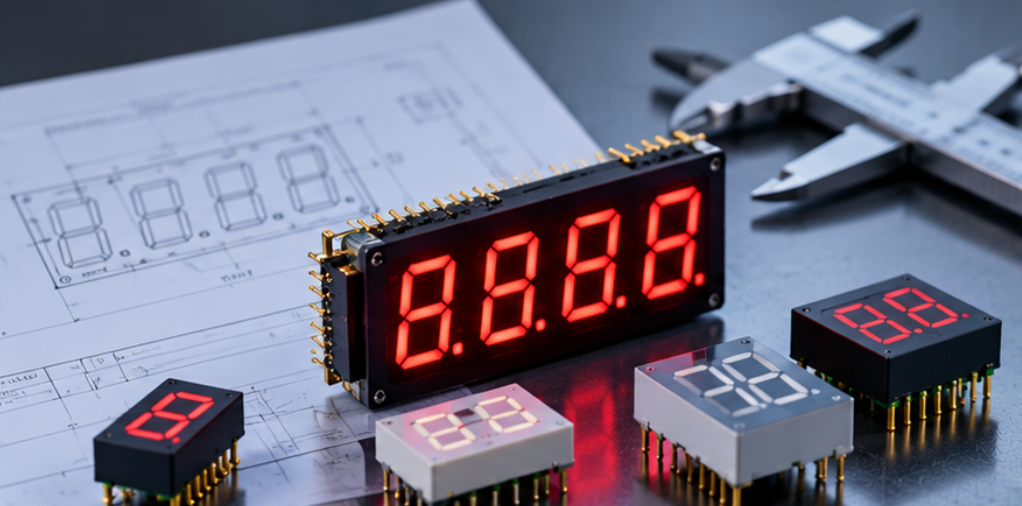
LED Display Enclosure Window Alignment: A Mechanical Integration Guide
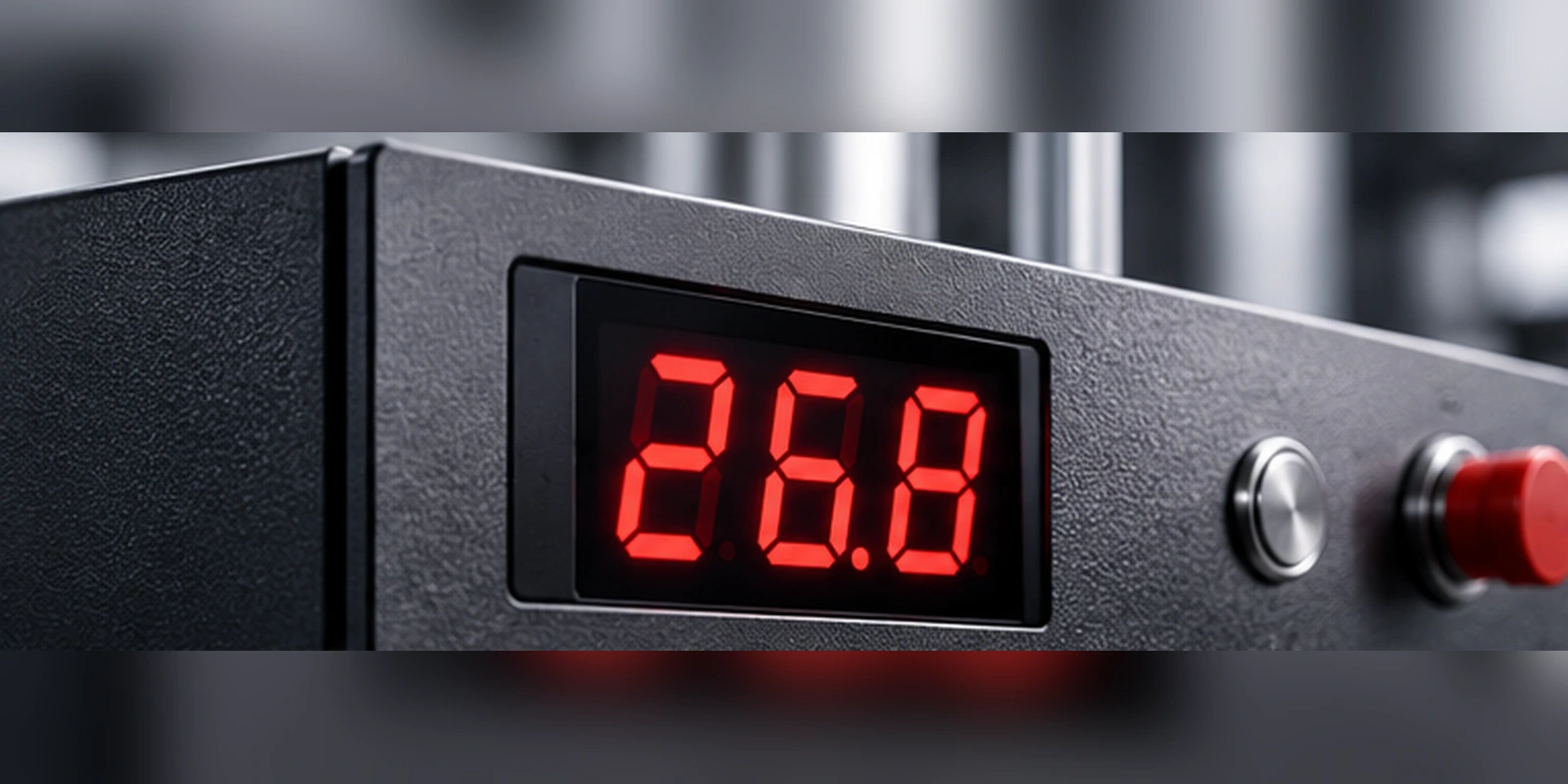
This guide sets out how the stack accumulates, which inputs actually drive the result, and what should be measured on a sample before the enclosure tooling is committed.
Quick Answer: The Window Is the Last Dimension in a Chain
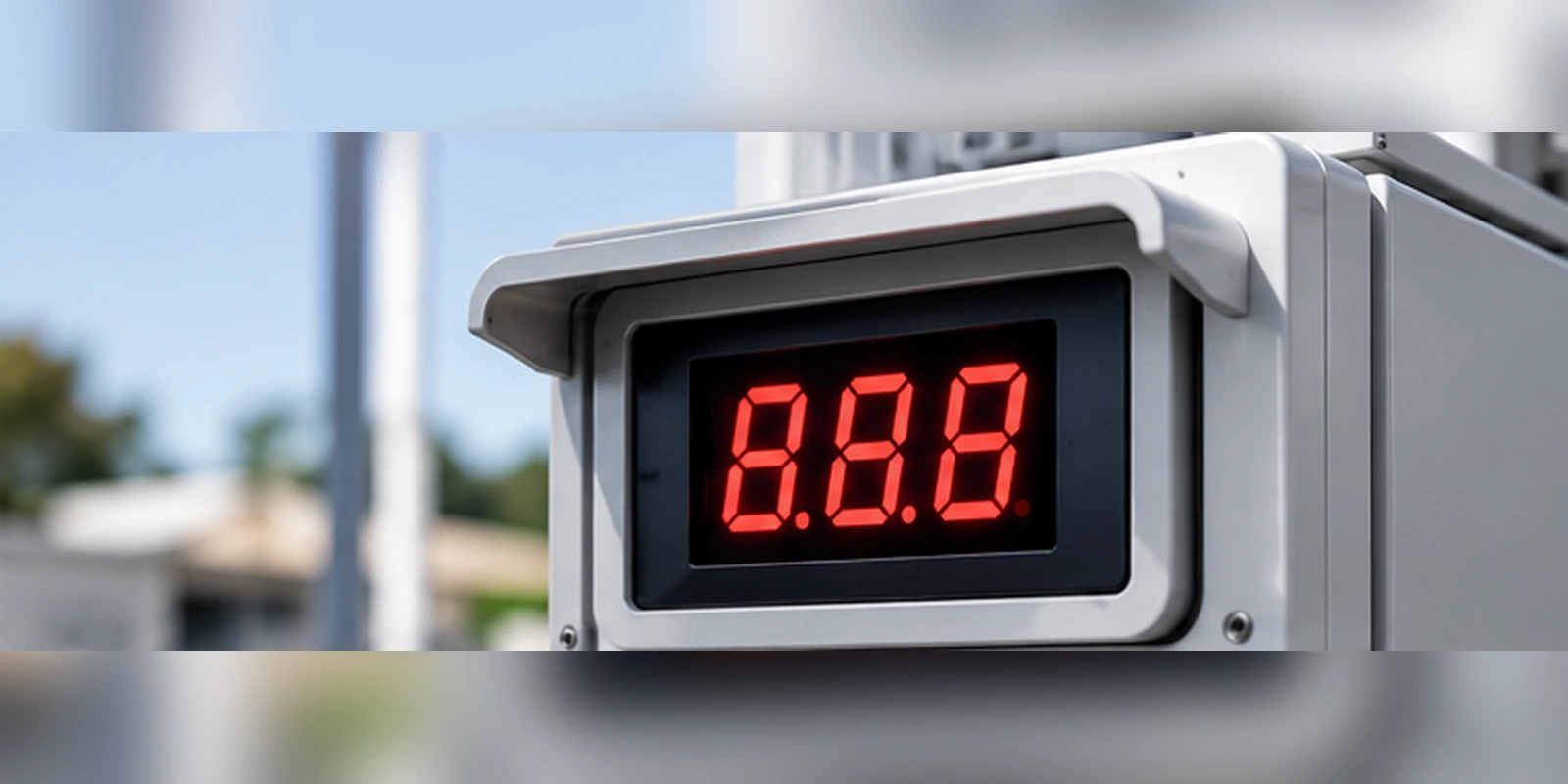
The window opening is not an independent dimension. It is the visible end of a chain that starts at the mounting features on the board and passes through the module body, the standoff or spacer, the panel cutout and the window itself.
Alignment therefore improves when the chain is shortened, not when the window is enlarged. A larger opening hides a misalignment at the cost of a wider visible border, and it also changes how the light spreads at the edges of the digits.
The practical target is to make every link in that chain a controlled dimension with a stated tolerance, so that the worst-case offset can be calculated rather than discovered on the first assembled unit.
Governing Parameters: Stack-Up, Datum and Light Path
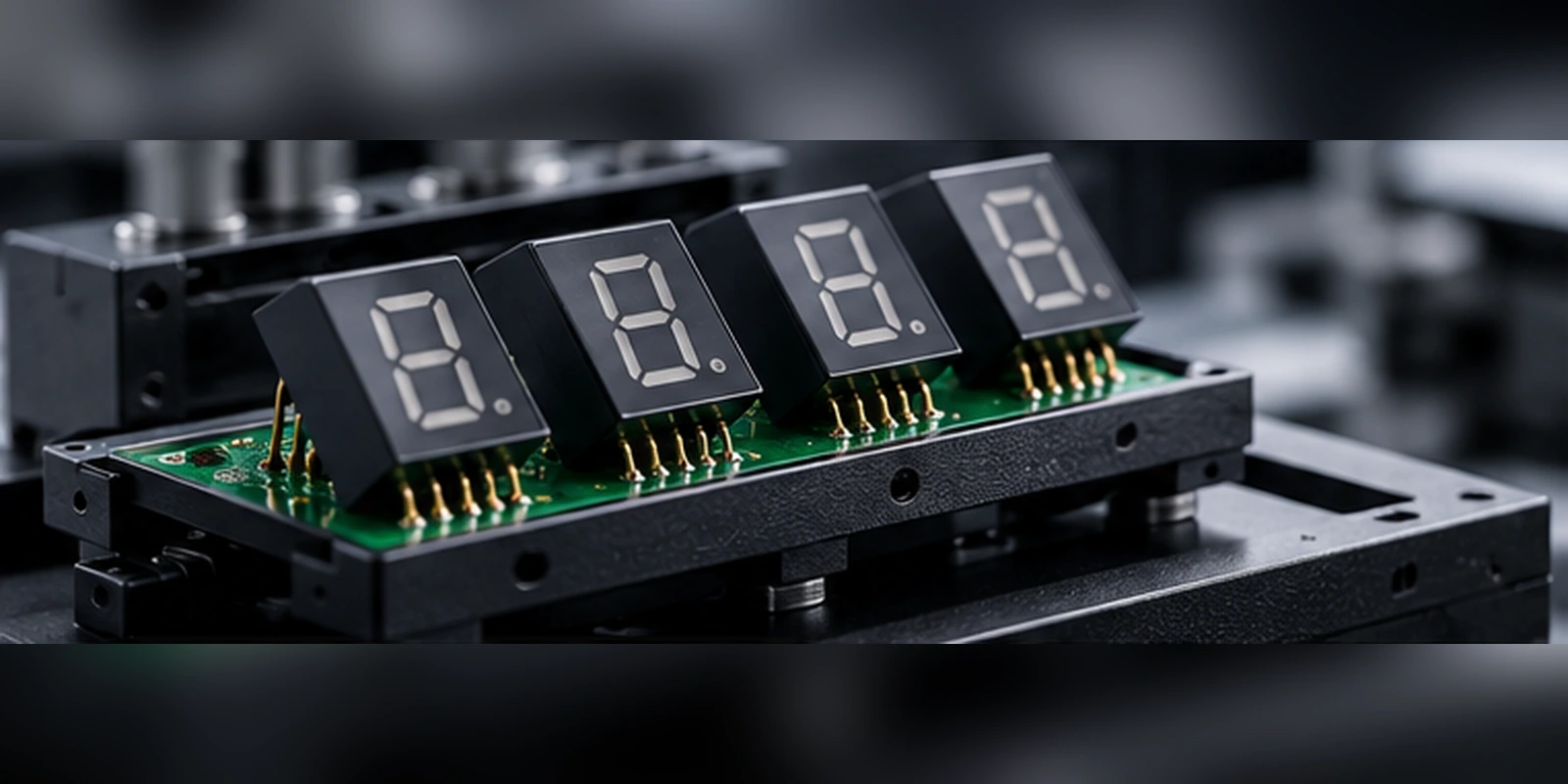
The first parameter is the datum. The board mounting holes and the module locating features define where the digits physically sit, so the window must be dimensioned from the same datum rather than from an outer enclosure edge.
The second is the stack-up of thicknesses. Board thickness, spacer height, panel thickness and window thickness each carry a tolerance, and they add in the direction perpendicular to the panel. That direction controls how far the digits sit behind the window and how much parallax appears at an angle.
The third is the light path. The distance between the emitter face and the window sets the size of the illuminated area, so a change in spacer height shifts both the alignment and the apparent digit size at the same time.
| Stack member | What it controls | Typical failure when it is not controlled |
|---|---|---|
| Board mounting and module locating features | Lateral position of the digits | Digits shift sideways inside the opening |
| Spacer or standoff height | Distance from emitter to window | Apparent digit size changes and edges blur |
| Panel cutout position | Where the opening sits relative to the datum | Window is offset even though the board is correct |
| Window thickness and seating | Final optical distance and flushness | Edge highlight or visible gap at the border |
| Assembly method | Repeatability of the whole chain | Unit-to-unit variation that no drawing shows |
Because the chain crosses both mechanical and optical decisions, alignment is a Display Mechanical Integration problem rather than a purely cosmetic one. A stack-up that looks acceptable on a drawing can still produce a visible shift once assembly tolerances are included.
Sizing the Opening Without Guessing
Start from the visible digit envelope, then add the border you are willing to show, then add the worst-case lateral offset from the stack. Sizing the opening from the nominal digit envelope alone guarantees that half the production units look asymmetric.
A useful discipline is to calculate two numbers rather than one: the nominal offset with all contributors at nominal, and the worst-case offset with every lateral contributor at its limit in the same direction. The difference between them is the margin the design actually has.
It also helps to fix the digit format early, because format changes the visible envelope and the segment count at the same time. Our overview of the LED display size guide covers how format and visible area relate, and it is worth settling before the window is dimensioned.
Where the product uses a project-specific module rather than a catalogue part, the interface drawing becomes the controlling document. The process of agreeing and freezing it is described in our article on LED display drawing approval, and the alignment dimensions should be part of that freeze rather than a later addition.
Verification Before Production
Verify on a physical stack rather than on a screen model. Assemble one board, one spacer set, one panel and one window at the nominal dimensions, then repeat with the extreme limits to see how the digits move.
Photograph the assembly from the normal viewing angle and from the steepest angle the user will realistically use. Edge behaviour and apparent digit size are much easier to judge from images than from a dimension table.
Then confirm the assembly method reproduces the result. If the alignment depends on how firmly a connector is seated or how a window is pressed into place, the drawing is not yet a controlled design and the variation belongs in the stack.
Finally, record the accepted configuration as a drawing revision that names the board, module, spacer, panel and window together. Alignment cannot be re-verified later unless all five are identified in one document, and that habit also keeps industrial LED display design decisions traceable across product revisions.
Supplier Input and Integration Risks
Send the supplier the envelope, the datum and the tolerance direction rather than only a photograph of the intended look. A supplier who receives the alignment requirement can flag conflicts between the requested border width and the achievable module outline before tooling starts.
The question also belongs to the selection stage rather than only to the drawing stage. Any OEM LED display selection that leaves the visible border and the datum undefined will be reopened when the panel drawing is issued, and the later that happens the more tooling and schedule it puts at risk.
For a project-specific build the starting point is usually a custom LED display module rather than a catalogue item, and our article on custom LED display solutions for OEM projects describes how the specification, drawing and sample stages fit together.
Frequently Asked Questions
How to evaluate LED display enclosure window alignment for an OEM design?
Evaluate it as a tolerance chain that runs from the board datum through the spacer and panel to the window, and calculate both the nominal offset and the worst-case offset. Then assemble a physical stack at the extremes to confirm the calculated margin exists in practice.
Which parameters matter most for LED display enclosure window alignment?
The datum used for dimensioning, the lateral tolerances of the mounting features, and the perpendicular stack of board, spacer, panel and window matter most. Together they set both the sideways shift and the apparent digit size seen by the user.
How does LED display enclosure window alignment affect LED performance?
It does not change the emitter output, but it changes how much of that output the user sees cleanly inside the opening. Poor alignment shows up as an uneven border, a visible edge glow or digits that appear to change size when viewed at an angle.
How should engineers validate LED display enclosure window alignment before production?
Validate on a physical assembly built at nominal and at the extreme limits of the stack, viewed from the normal angle and the steepest realistic angle. Confirm the result is reproducible with the production assembly method before committing the drawing revision.
Should the window opening be made larger to absorb tolerance?
A larger opening absorbs lateral shift but widens the visible border and can change how light spreads at the edges of the digits. It is usually better to shorten the chain and control the datum than to enlarge the opening.
Conclusion: Control the Chain, Then Size the Window
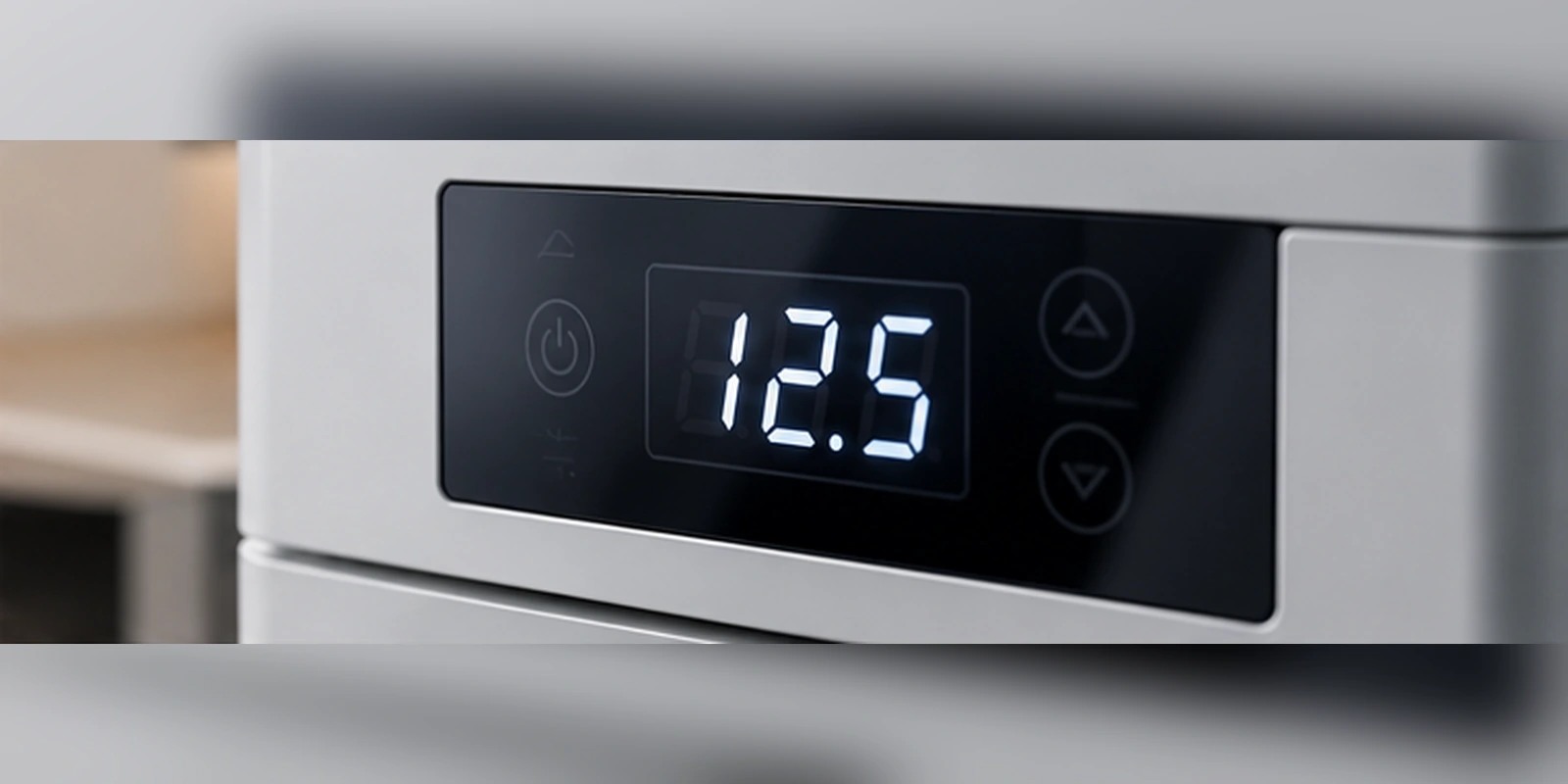
LED display enclosure window alignment is decided by the tolerance chain between board, module, panel and window, not by the window drawing alone. Shorten the chain, dimension everything from one datum, and calculate the worst case before tooling is released.
If you are integrating a display behind a front panel window and want the envelope, datum and tolerance direction reviewed against an achievable module outline, send your panel drawing to the HOUKEM team and we will confirm the applicable display scope.
LED Display for EV Charger: Specifying Readability, Sealing and Interface Fit
Multiplexed LED Display EMI: Scan Edges, Wiring and Driver Layout